
Download Fun88 App for Android and iOS: How to Install APK and Verify Configuration Safely
Install the Fun88 app once on Android or iOS for faster actions than a browser and stronger account security from day one.
Does your phone have at least 150MB of free space? If so, it takes just a few minutes — install the Fun88 app once, and every action afterward is faster than opening a browser from scratch each time you need it. This page goes straight into the process: Android first, iOS second, with security checkpoints to review before hitting install.

How is the app really different from a browser?
A browser requires you to open it, wait for pages to load, and sometimes hit temporary access errors without warning. The app works the opposite way — the interface is optimized specifically for small screens, actions are recognized faster, and you don't need to re-enter the address each time. The most obvious difference is push notifications: new promotions, odds shifts, or account updates appear directly on your screen instead of requiring manual checks.

On security, the Fun88 app supports biometric authentication — enable Face ID or fingerprint right after installation to add a layer of account protection that a standard browser can't provide. Additionally, OTP sent to your registered phone number is used to verify withdrawal requests, reducing risk even if someone else gets hold of your device.
Install Fun88 App on Android
Android doesn't distribute the Fun88 app through Google Play — you need to download the APK file directly. The process has two parts: enable permissions first, then download and install.
Step 1 — Enable Installation from Unknown Sources
Go to your phone's Settings, find the Security section (or Privacy depending on your device), and enable the option to allow app installation from unknown sources. Some Samsung devices require you to enable this separately for each browser — if you're using Chrome or Samsung Internet to download, find that specific browser name in the list and turn it on.
Step 2 — Download the APK File and Complete Installation
Visit the Fun88 official link to get the APK file — prioritize scanning the QR code on the page rather than typing the link manually, since manual entry is easy to mess up and could lead to downloading from the wrong source. Once the file downloads, tap to open and confirm installation. The process usually completes in seconds with a stable connection. After installation, you can disable the unknown sources permission again if you want to reduce future risk.
Install Fun88 App on iOS (iPhone and iPad)
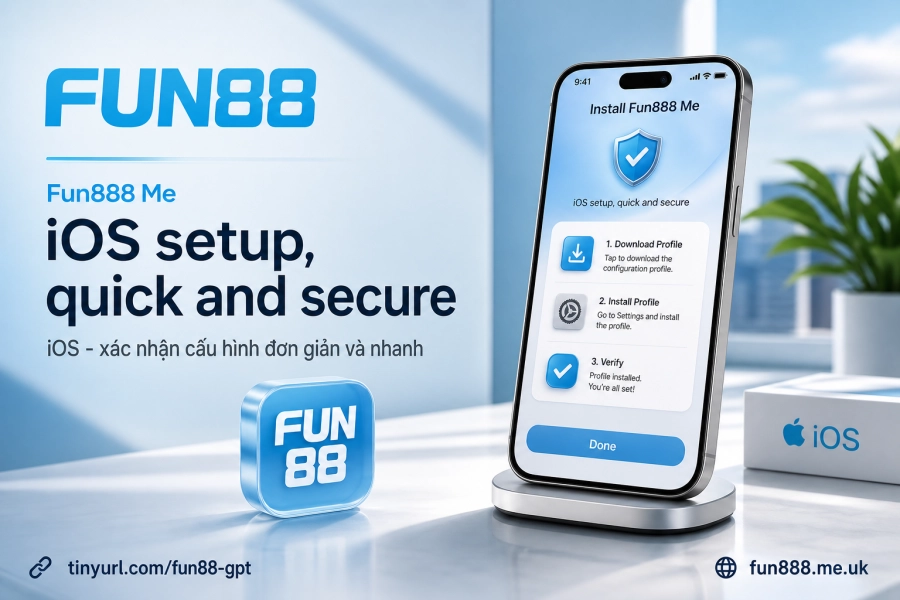
The iOS process is completely different from Android — there's no APK file; instead, you download a configuration profile and verify it manually in Settings.
Step 1 — Download the Configuration to Your Device
Open Safari on your iPhone or iPad, visit Fun88's official page, and select the iOS app download section. The system will ask if you want to download the configuration — tap Allow. Then go to your device's Settings, and you'll usually see a notification "Downloaded Profile" at the top of the page.
Step 2 — Verify Configuration in Settings
Go to Settings > General > VPN & Device Management, find the Fun88 configuration name, and tap Install. iOS will ask you to enter your device unlock password to confirm. Once you complete this step, the app is actually authorized to run — if you skip the verification, the icon may appear on your screen but will show an error when you try to open it.
Check Your Device and Identify Safe Download Sources
Before you start, confirm your phone has at least around 150MB of free storage so the app runs smoothly after installation. Low memory not only slows down installation but can also cause errors during use.
The easiest thing to overlook is the download source. Fake apps often mimic the interface very closely — the safest way is to scan the QR code from the Fun88 security page rather than accepting a link via message or chat group. If a link has unusual characters or a domain name that doesn't match, don't tap it. Fun88 operates under a PAGCOR Philippines license and uses 128-bit SSL encryption since 2009 — this information can be used to verify the official source when checking.
After successfully installing on both Android and iOS, the next step is to Log into fun88 and enable biometric authentication right in the account settings section. If you don't have an account yet, see the Fun88 account creation process to complete registration before entering the app.