
Fun88 Account Registration Process via Web and App: Requirements and Data Entry Guidelines
Master the correct requirements and data entry format to complete your Fun88 registration in just a few steps without wasting time redoing it.
Ready to fill out the Fun88 registration form but unsure if you have all the necessary information prepared? Worried about entering the wrong format and having the system reject your request from the start? This article covers everything you need to know — from eligibility requirements, website procedures, to mobile app registration steps — in the correct priority order so you can complete your signup in the shortest time possible.

Requirements and mandatory information before starting registration
Before opening the registration form, players must meet certain basic conditions. Fun88 requires members to be at least 21 years old — this is a mandatory requirement with no exceptions. Additionally, all data entered in the form must be your own genuine information; do not use fake information or someone else's details.
Regarding information you need to prepare, you'll need a valid personal phone number or active email address — the system will use this channel to send confirmation notifications and account updates. Important note: the phone number must be entered with the +84 country code, not with a leading 0 as is common practice.
A valid username must be 6 to 14 characters long, while your password must include both letters and numbers — avoid using purely numeric or purely alphabetic passwords as these will not be accepted. Preparing this information beforehand helps you avoid wasting time re-entering data. To learn more about personal data protection commitments after account creation, you can visit the Fun88 security page and Privacy policy.
Account registration process via Fun88 website
Website registration is suitable for users accessing via computer or devices with a full browser. The entire process takes place directly in your browser without requiring any additional software installation.
Visit Fun88 me to access the official homepage. Click the Register button typically displayed in the upper right corner of the interface. The registration form will appear, asking you to fill in your username, password, phone number or email, and other basic information according to the specified format. After verifying your information, click confirm — the system typically approves the request within seconds and your account is activated immediately.
If the website fails to load due to connection errors or blocked links, you can try changing your DNS, using a VPN to change your IP, or switch to registering via the mobile app instead. These are common technical solutions when experiencing access interruptions.
Account registration via mobile app (iOS and Android)
For users who prefer mobile operations, Fun88 supports direct registration within the mobile app on both Android and iOS platforms. The first step is to download and install the app — see detailed instructions on the Fun88 app download page for APK installation and configuration verification for each operating system.
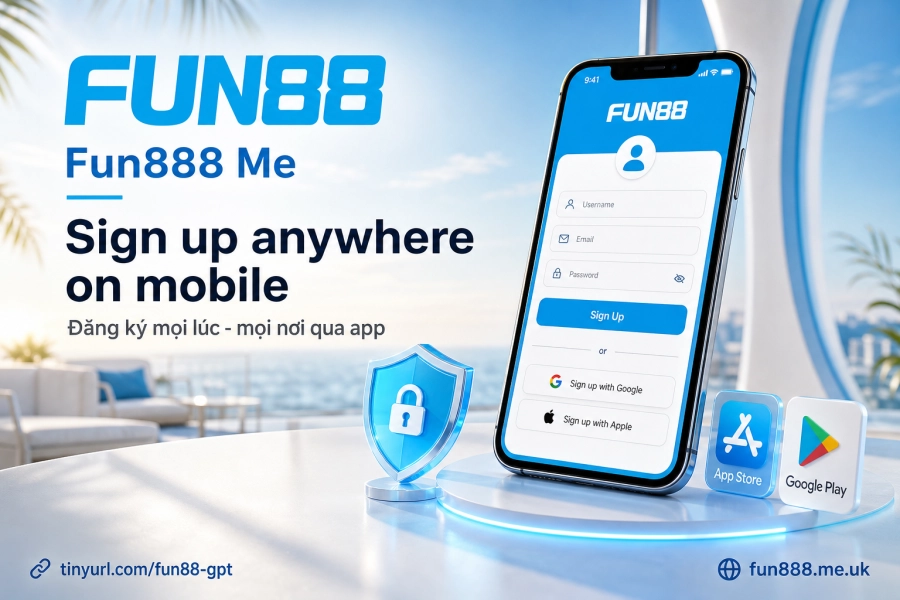
After installation is complete, open the app and select Register from the welcome screen. The registration form interface in the app is essentially the same as the website version, but optimized for touchscreen — input fields are wider and the numeric keyboard automatically appears when you reach the phone number field. On iOS (Safari), you may need to confirm notification access to receive OTP; on Android, this permission is typically granted automatically when installing the APK.
The main difference compared to web registration: the app allows you to save your login session, making it more convenient when you want to return to your account quickly in the future. After successful registration via the app, you can learn more about Login methods and how to enable security authentication.
Troubleshooting common registration errors
The most common registration errors at Fun88 usually stem from incorrect format entry: phone numbers with a leading 0 instead of +84, passwords without numbers or missing letters, usernames shorter than 6 characters. Double-checking each field before clicking confirm is the simplest way to avoid rejection.
If you've entered everything correctly but still receive a system error message, it could be due to unstable network connection or IP restrictions. Solutions: refresh the page, switch networks (change from Wi-Fi to mobile data or vice versa), or try changing your DNS. If still unsuccessful, contacting support is your next option.
Contact support if you encounter registration issues
Fun88 provides multiple support channels available when you encounter registration problems: Live Chat directly on the website and app (typically responds within minutes), hotline, email, or through the brand's official social media channels. Live Chat is usually the fastest option when you need to confirm the specific reason your request was rejected.
When contacting support, have your account information ready (chosen username), error screenshots or system error codes — this helps the support team identify and resolve the issue faster rather than having to ask from the beginning.
Frequently asked questions about Fun88 account creation
Can I use my account immediately after registration?
In most cases, the system reviews your registration request within seconds and your account is activated immediately. However, to conduct financial transactions, you'll need to complete personal information verification as required by the operator. Fun88 supports deposits via domestic bank transfer, QR code, and local e-wallets — typical deposit processing time is 5 to 15 minutes.
Can one phone number register multiple accounts?
No. Each phone number and email address can only be linked to one account. Fun88 enforces a one-account-per-member policy — creating multiple accounts with duplicate information violates the Terms of service and may result in account suspension.
What documents do I need to prepare before registering?
The initial registration step does not require identification documents. However, when the system requests identity verification (usually at first deposit/withdrawal or when your account is flagged for additional review), you'll need to provide basic identification information. All personal data is processed according to Fun88's SSL 128-bit encryption standard, operating since 2009 with a license issued by PAGCOR Philippines.